Search: which drawer
Search anything, and Stow tells you which drawer
Search passport, charger, the spare keys. Stow tells you which drawer.
How it works, step by step
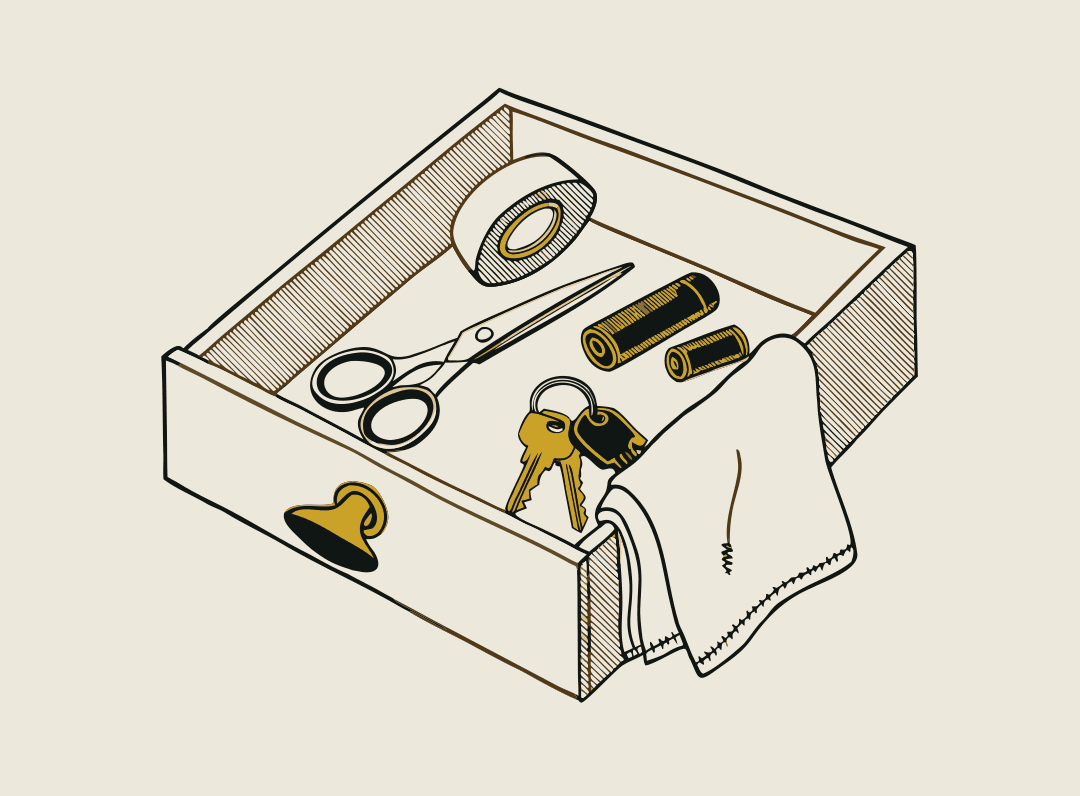
Photograph your drawers.
Each photo files everything in it under that drawer, shelf or box.
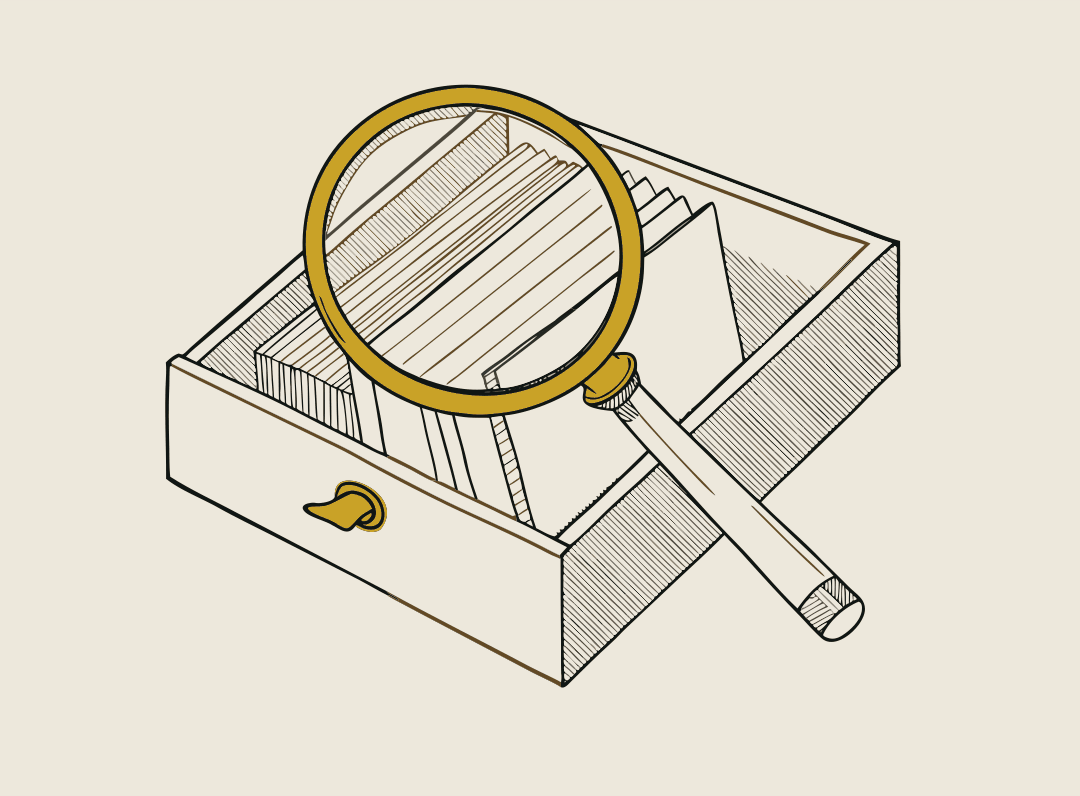
Type what you need.
Passport, charger, the spare keys.
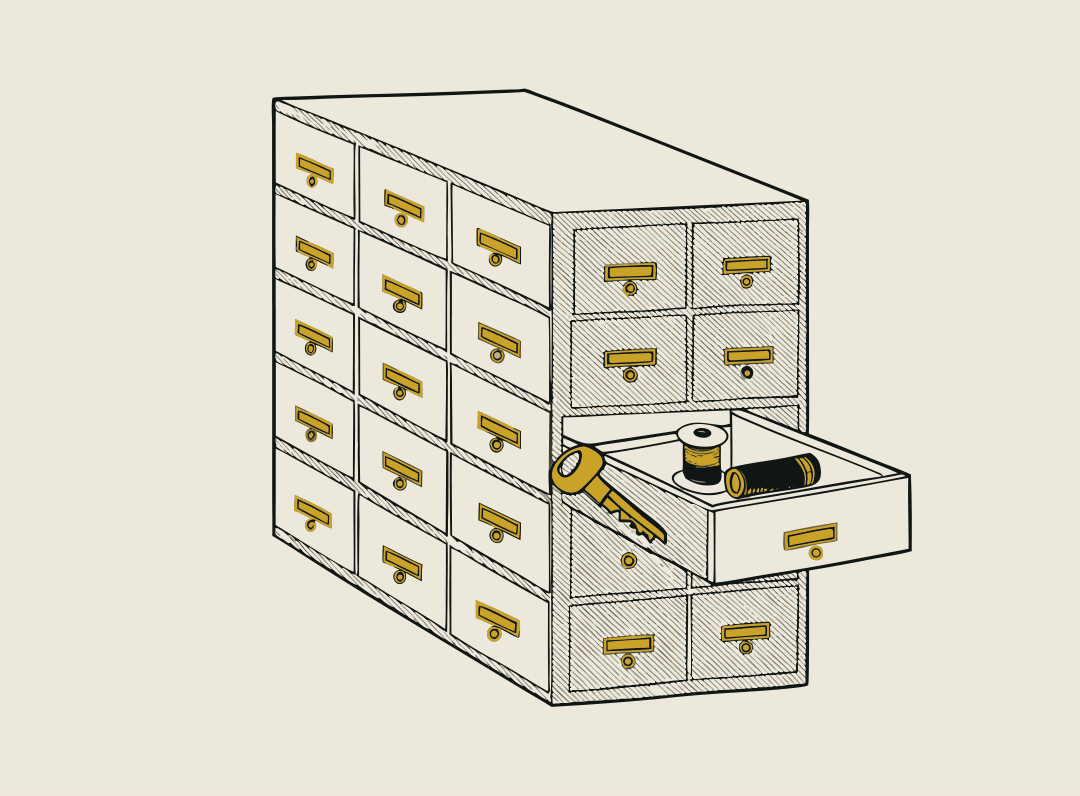
See the room and drawer.
Every result shows the item with its room and container under it, for example Kitchen · Drawer 2.
Room and container, not just a name
Every result shows the item with its room and container under it, for example Kitchen · Drawer 2.
Uncertain stays visible
If an item still has a ? from the scan, the ? carries through to search until you answer it.
Shared search
With Stow Plus up to 5 people search the same home, and with Stow Pro up to 10 people across up to 25 properties.
Who uses it
- A home inventory you can actually finishPhotograph each drawer once and Stow lists every item in it. Search to find which drawer anything is in. Free for your first 15 drawers.
- A shared home inventory for the whole familySplit the rooms and let everyone map their part. Share one searchable home record with up to 5 people on Stow Plus.
- A moving box inventory you search on moving dayPhotograph each box as you pack it. On moving day, search kettle and Stow says Box 7, Kitchen. Free for 15 boxes, Scan Pack for more.
- Tool and equipment inventory for offices and workshopsPhotograph each drawer, shelf and cabinet once. The whole team can search for kit, and duplicates stop being bought.
Questions
- What does a search result show?
- The item with its room and container under it, for example Kitchen · Drawer 2.
- Can other people search the same home?
- With Stow Plus up to 5 people search the same home, and with Stow Pro up to 10 people across up to 25 properties.
- Do I have to type every item?
- No. Take one photo of a drawer, shelf or box and Stow lists everything in it and files it under that container. You never type an item or a location.
