One-photo drawer scan
One photo lists everything in a drawer
Every other home inventory app makes you type every item and where it is. Stow works one drawer at a time: open it, take one photo, check the list.
How it works, step by step
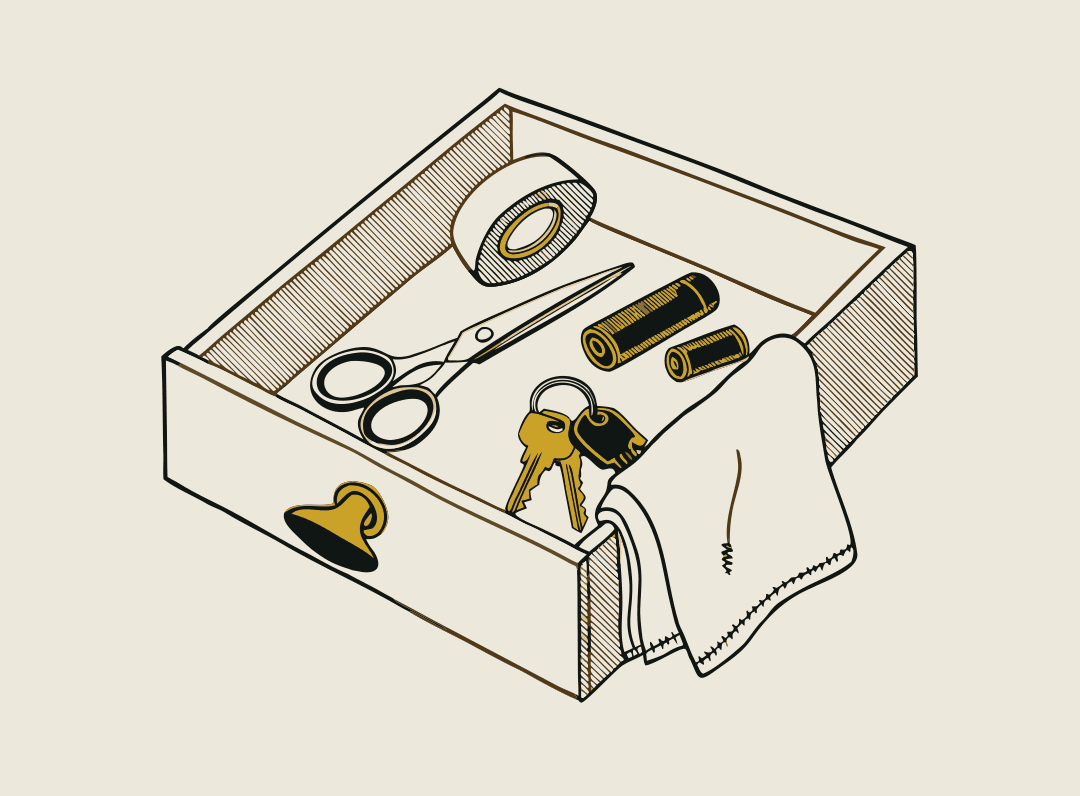
Open a drawer.
Or a shelf, a cupboard, a box. Each one is a container in Stow.
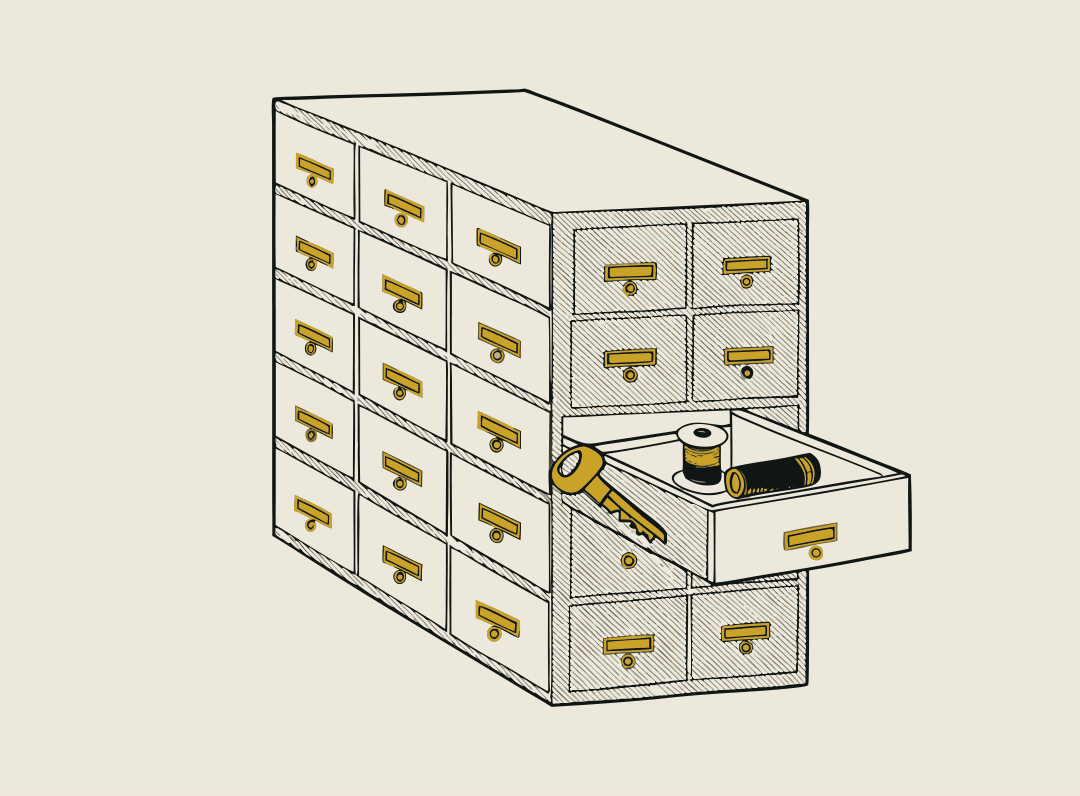
Take one photo.
Seconds later, everything in the drawer is listed. The photo already told Stow where it is, so you never type a location.
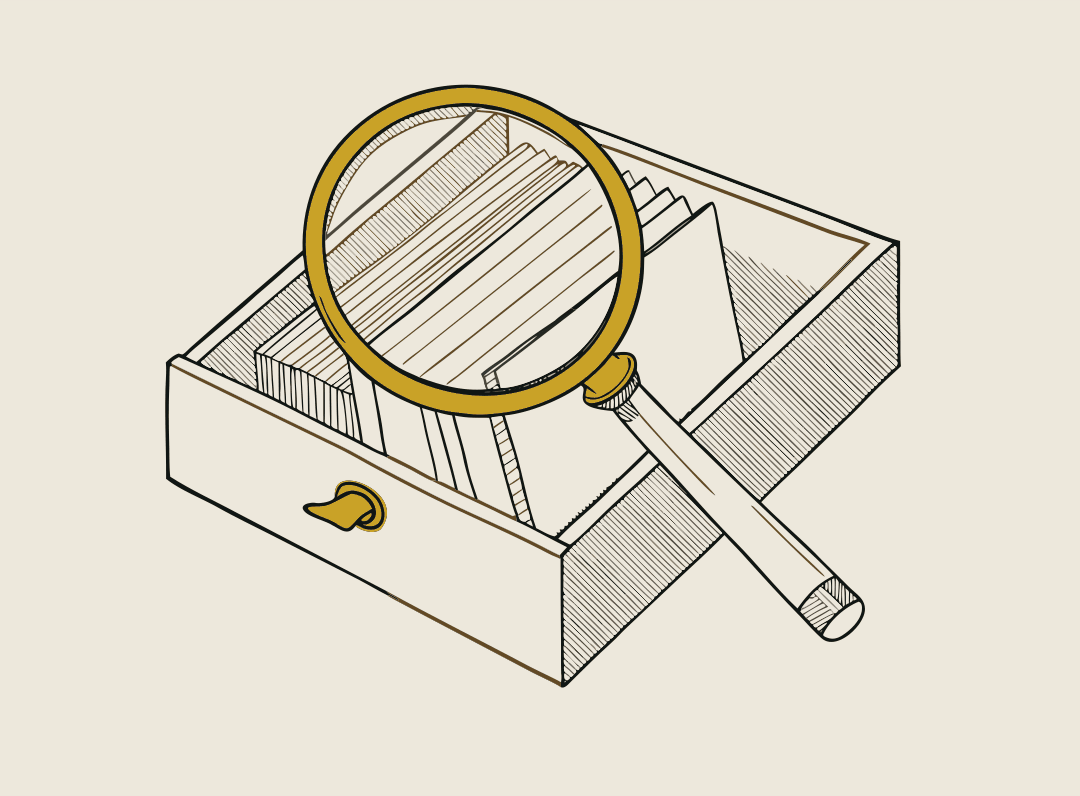
Check the list.
Anything Stow is unsure of is marked with a ? and you answer Yes or No. You stay in charge of what's on the list.
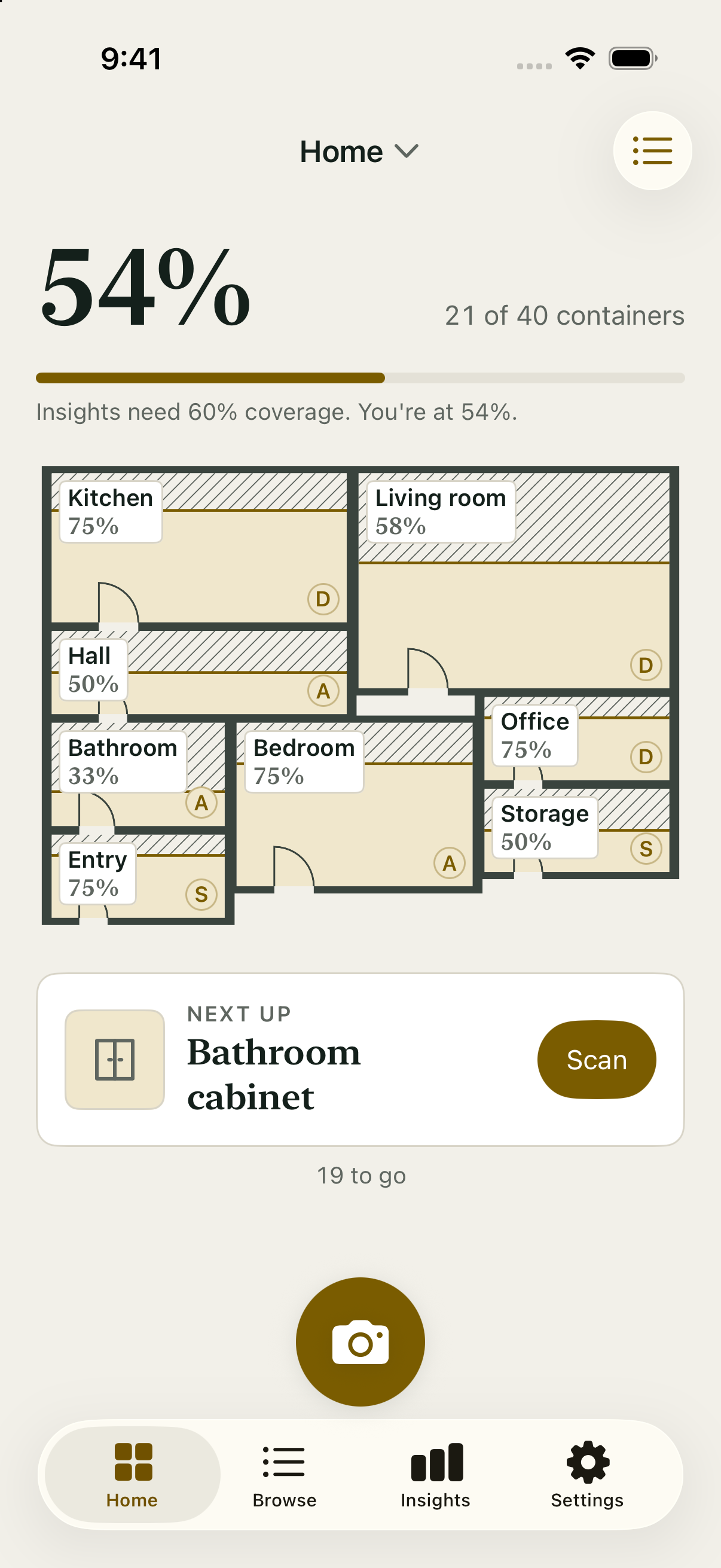
Watch the finish line.
A home is about 40 drawers, shelves and cupboards. Stow shows how far you've got, and you can stop at any one.
Who uses it
- A home inventory you can actually finishPhotograph each drawer once and Stow lists every item in it. Search to find which drawer anything is in. Free for your first 15 drawers.
- A moving box inventory you search on moving dayPhotograph each box as you pack it. On moving day, search kettle and Stow says Box 7, Kitchen. Free for 15 boxes, Scan Pack for more.
- Know what's in your storage unit before you drive therePhotograph each box as it goes into storage. Search later and know which box holds what before you set off. About 12 boxes, free.
- Tool and equipment inventory for offices and workshopsPhotograph each drawer, shelf and cabinet once. The whole team can search for kit, and duplicates stop being bought.
Questions
- Do I have to type every item?
- No. Take one photo of a drawer, shelf or box and Stow lists everything in it and files it under that container. You never type an item or a location.
- What if Stow isn't sure about an item?
- It is marked with a ? and you answer Yes or No. You stay in charge of what's on the list.
- Do I need an account to start?
- No account is needed. Free covers your first 15 drawers, shelves or boxes, about 250 things, with unlimited photos inside them and full export. No account needed.
