Insurance PDF and CSV export
A room-by-room inventory ready for an insurance claim
If you ever have to claim, the insurer wants a list of everything you owned. From memory. Stow already has it.
How it works, step by step
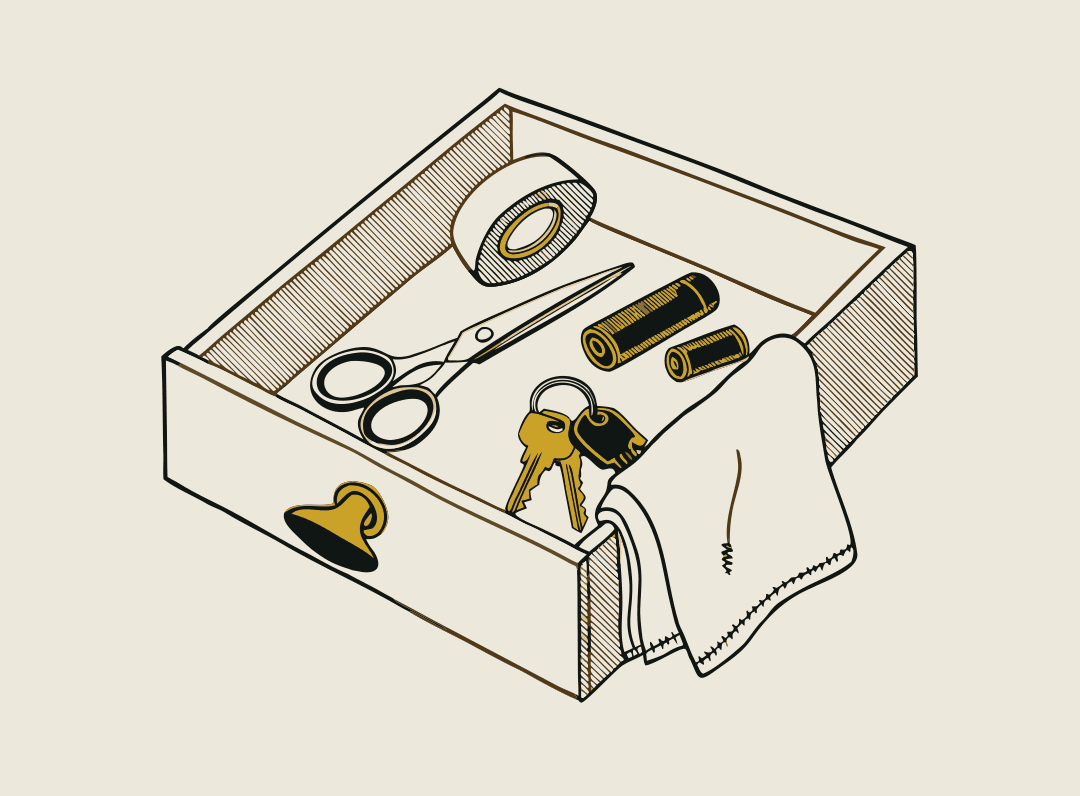
Map each room.
Photograph each drawer, shelf and cupboard once. Stow lists every item in it.
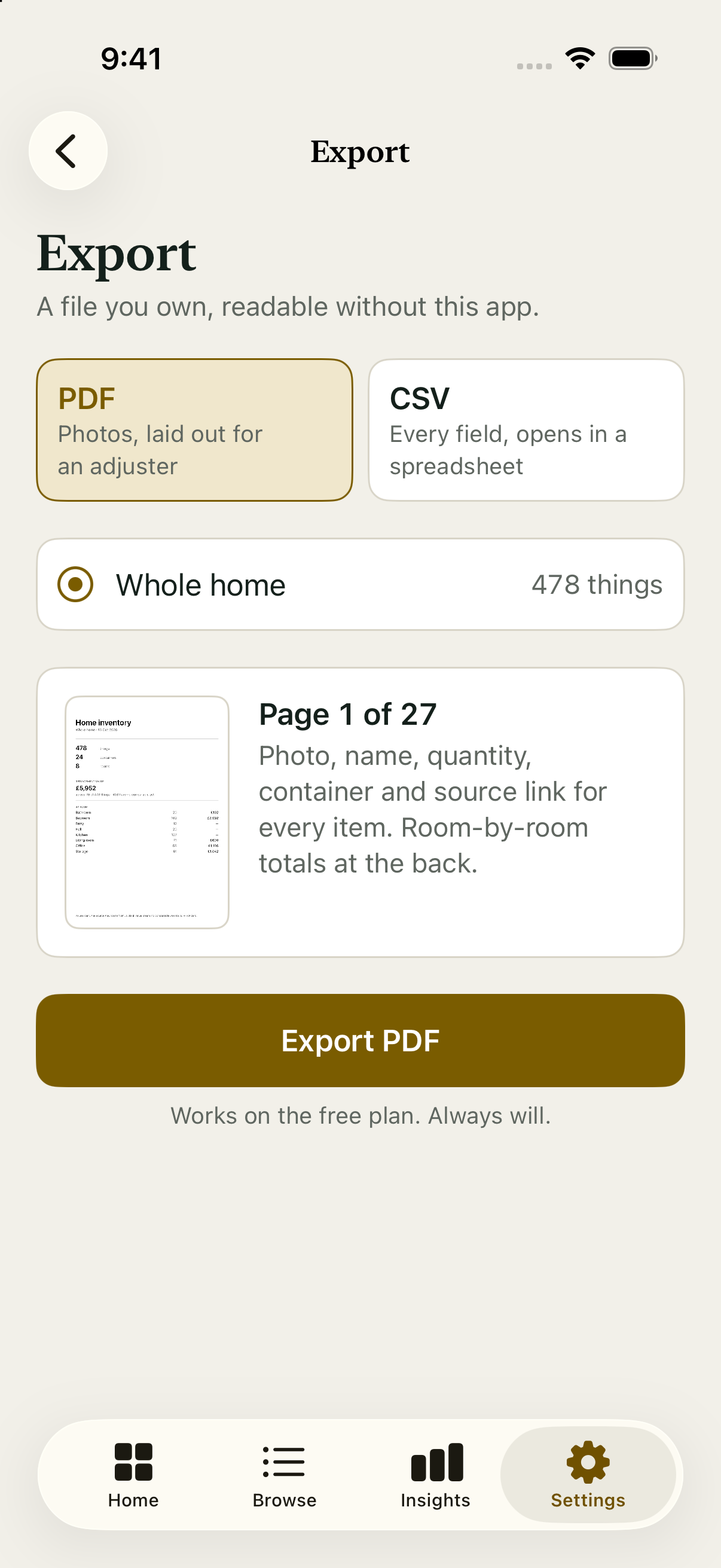
Export PDF and CSV.
A room-by-room PDF with photos and quantities, plus a CSV for spreadsheets.
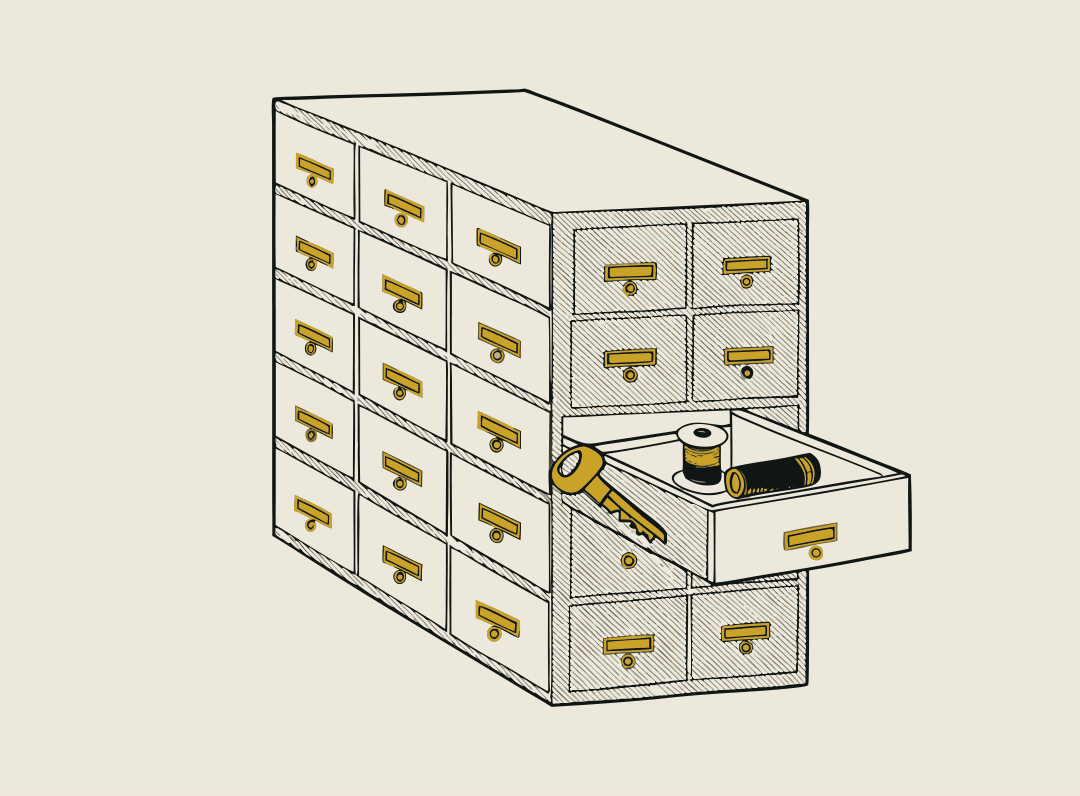
Send it to your insurer.
Free on every plan, always. The list is ready before you ever need it.
PDF and CSV with photos
A room-by-room PDF with photos and quantities, plus a CSV for spreadsheets.
Free on every plan
Export is free on every plan, always, including the free plan with no account.
Yours to keep
Your original photos stay on your iPhone. Deleted things wait 30 days in the trash. If you ever leave, you take it all with you.
Who uses it
- A home inventory you can actually finishPhotograph each drawer once and Stow lists every item in it. Search to find which drawer anything is in. Free for your first 15 drawers.
- Clearing out or downsizing, room by roomMap a house room by room, see what you own twice with Stow Plus, and export the list to share with family, sell, donate or give away.
- A searchable packing list for removal companiesEach client's home as its own property. Photograph boxes as you pack and hand the client a box-by-box list. Stow Pro, 14 days free.
Questions
- Is the export free?
- Yes. The room-by-room PDF and CSV with photos is free on every plan, always.
- What is in the export?
- A room-by-room PDF with photos and quantities, plus a CSV for spreadsheets.
- Where are my photos kept?
- Your original photos stay on your iPhone. Deleted things wait 30 days in the trash. If you ever leave, you take it all with you.
